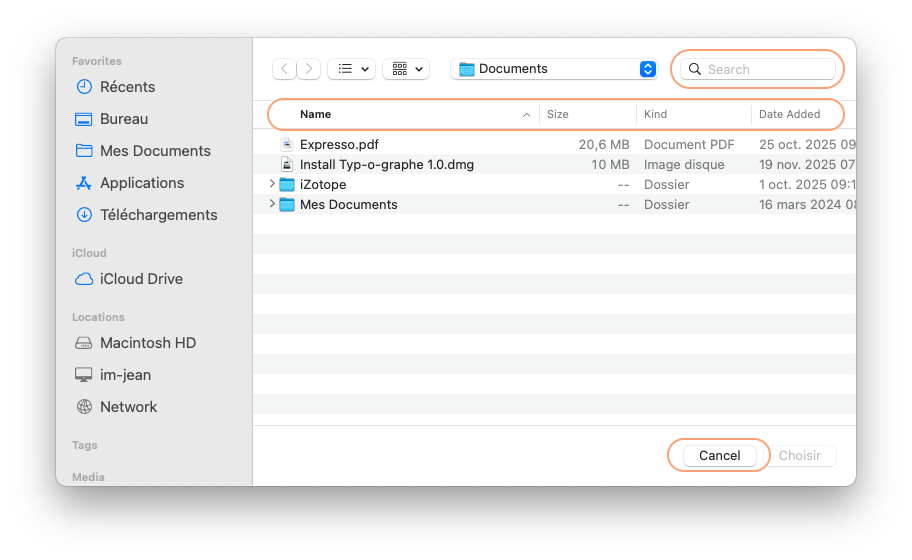
Script Debugger 8.0.10 does not recognize my fr-CA localization. A simple choose file script works ok under last version of Mojave, but not in macOS Big Sur (11.7.10). Also, scripts saved as application retain the en localization. I can manually edit the CFBundleDevelopmentRegion entry in the info.plist from en to fr-CA to correct the applet, but this setting will be overwritten on next save.
Apple’s Script Editor works OK. I tried installing SD in a new user account. SD was dragged in ~/Applications and I got same results. I also tried to reset the master language the computer was set in when the 1st account was created:
sudo /System/Library/CoreServices/Language\ Chooser.app/Contents/MacOS/Language\ Chooser
Again same results. My MacBook Air is equipped with a CA/US layout, could that be the issue?
Edit: Only choose file and choose folder commands have mixed localization. All other UI commands from standard addition behave correctly