I’m trying to notarise an installer app with SD Notary. The installer installs an app which needs access to Contacts. This works fine in the app. But when after notarisation I only get “denied” for the Contacts. Which incantation do I need to set in SD Notary to make this work?
I can successfully notarise the app with AppWrapper if I only do notarisation. For the fully automated notarisation I get the same issue was with SD Notary.
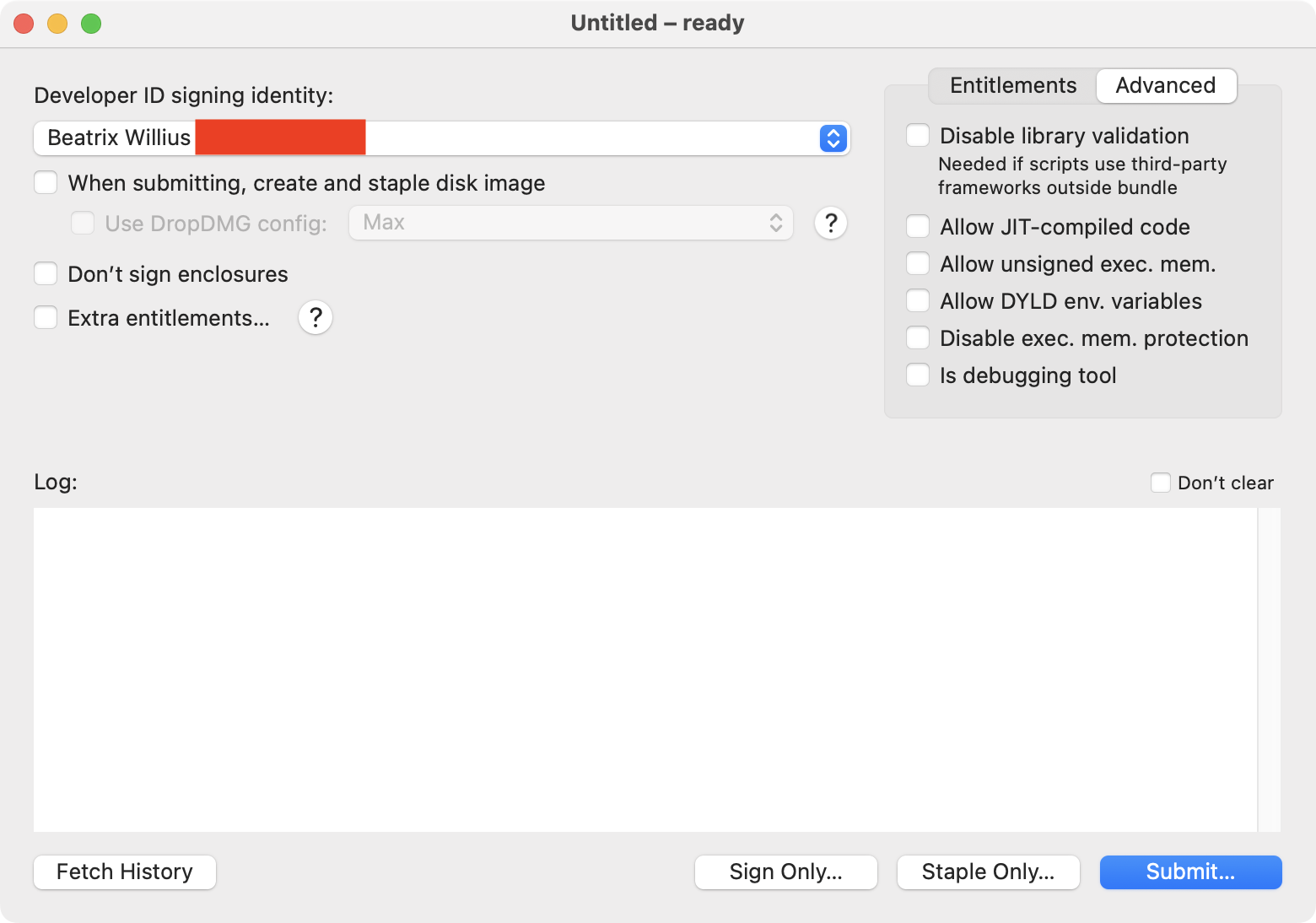
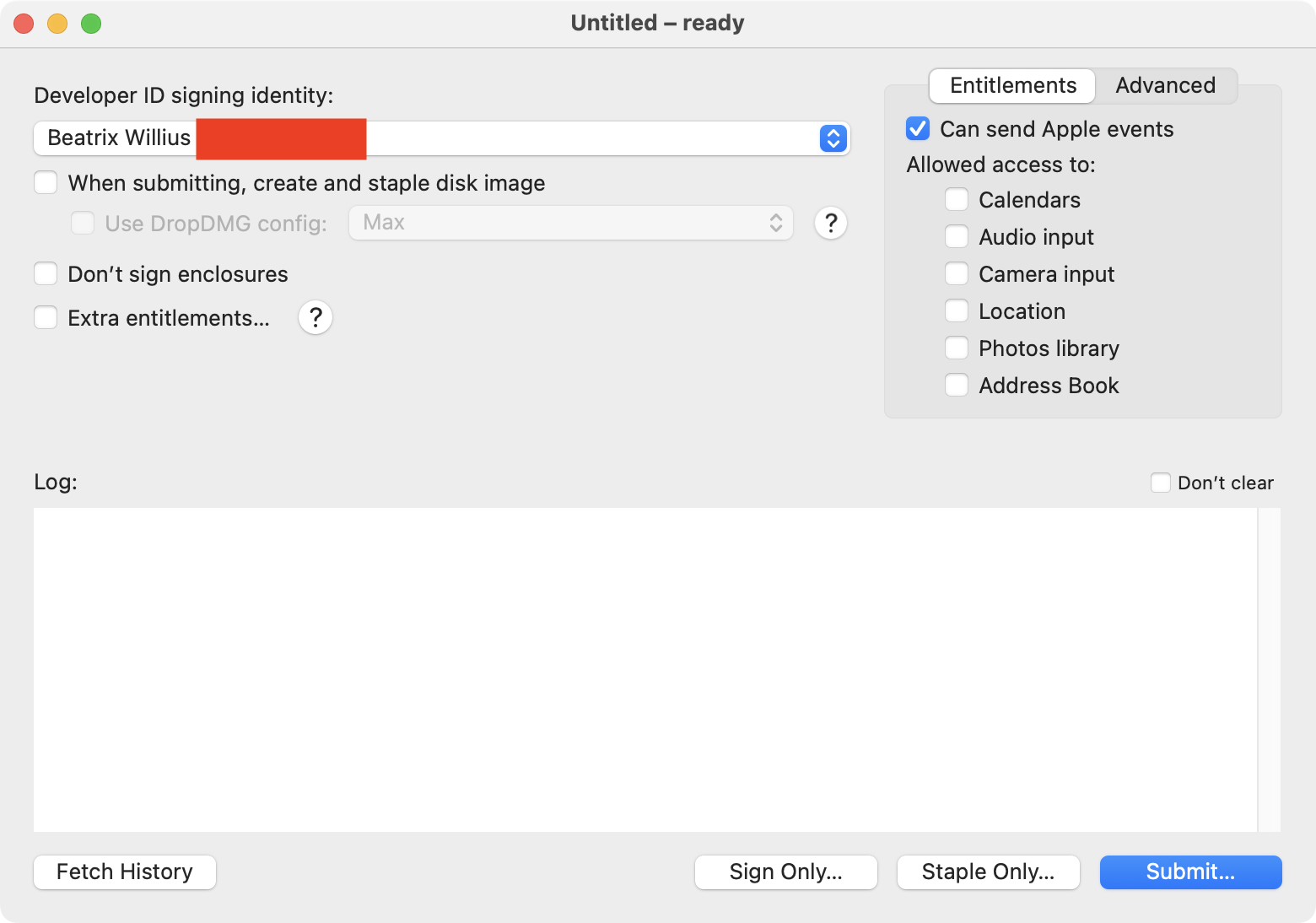
You need the entitlement with the key com.apple.security.personal-information.addressbook. You can create a ‘.plist’ or .entitlements file containing this key and its boolean value, then click on the Extra entitlements… checkbox and choose your file.
No, I don’t. Not in the installer. As I wrote above notarisation with AppWrapper by dragging the dmg to the main window works fine. No extra entitlements necessary. The installed app has the correct entitlement.
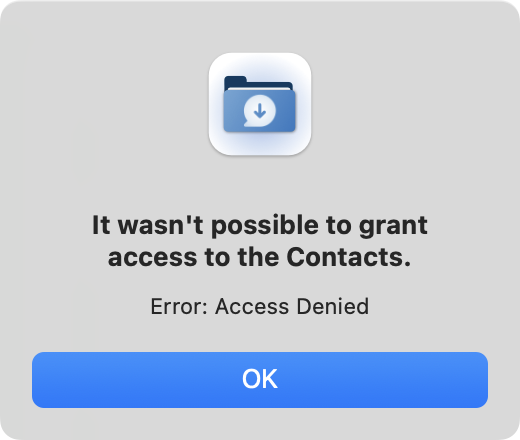
Then I make a dmg of the installer app and notarise with either SD Notary or a script in AppWrapper. After using the installer to install the main app I only get this after starting the main app:
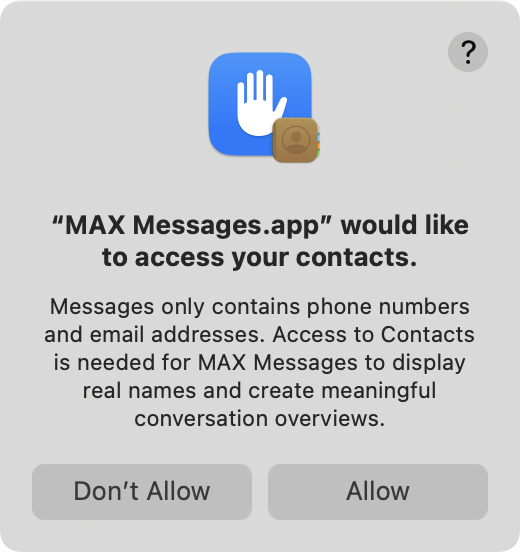
If I do a manual notarisation with AppWrapper then I get the correct dialog. I hate manual notarisation and want to automate that. I haven’t been able to get a response from the developer of AppWrapper so I thought I would try SD Notary. But it has the same issue as AppWrapper. Namely, the contacts permissions get foobared.
That’s right, but SD Notary doesn’t have the capability to specify different entitlements for different parts of the package. It’s a design limitation.
Thanks!!! This works fine when using SD Notary to make the dmg. Of course, this is the opposite of what I have to do when using AppleScript entitlements for my other app. And the dmg isn’t created correctly because SD Notary copies only the installer into a subfolder. I can now try to add the entitlements to the installer.