I recompiled all my Xcode applications on my Mac Studio M4.
With the default architecture settings, they are only compatible with Apple Silicon processors.
Could someone show me how to make them universal?
Here are the current architecture settings:
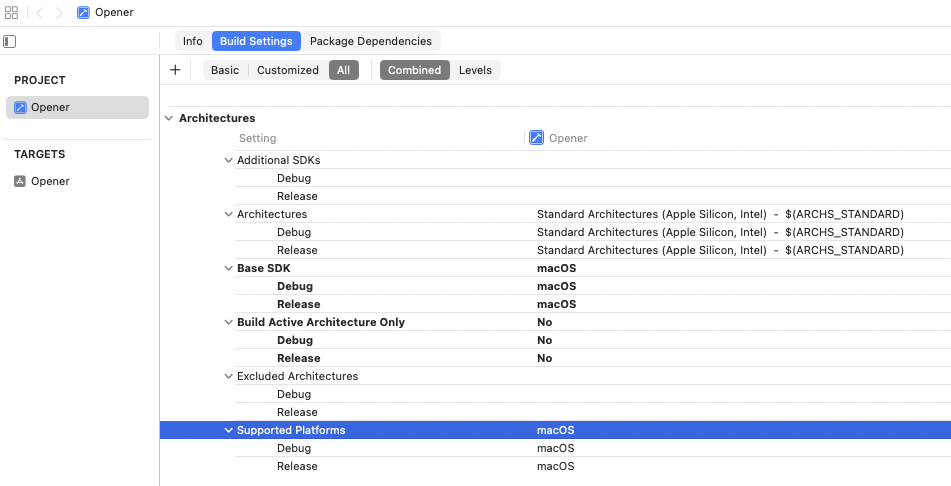
The Standard Architectures shown in your screenshot “Apple Silicon” AND “Intel”. This means that your application wil be universal without changing anything.
Thanks @emendelson,
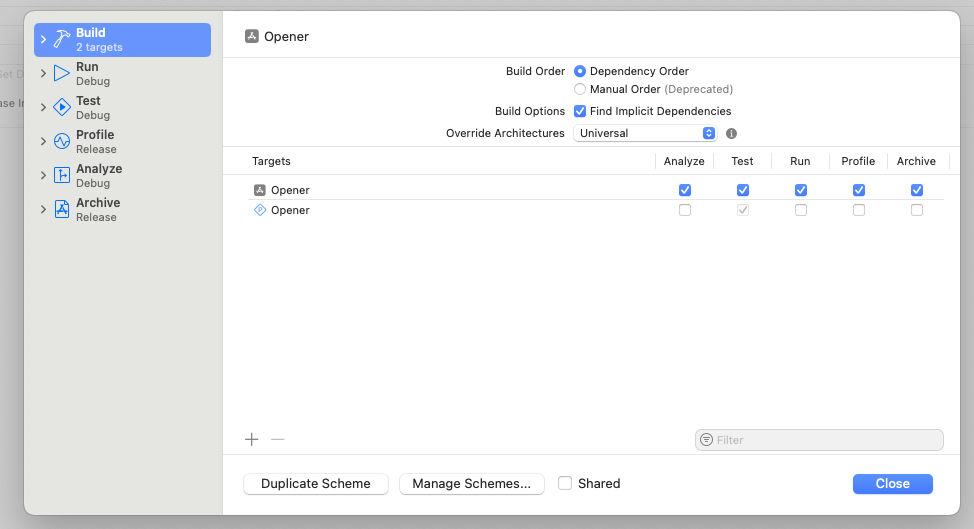
I just found the solution. In the Scheme Build options, I have to change the Override Architectures to Universal (it could be Use Target Settings as long as the Architecture is defined in Build Settings).
2 Likes